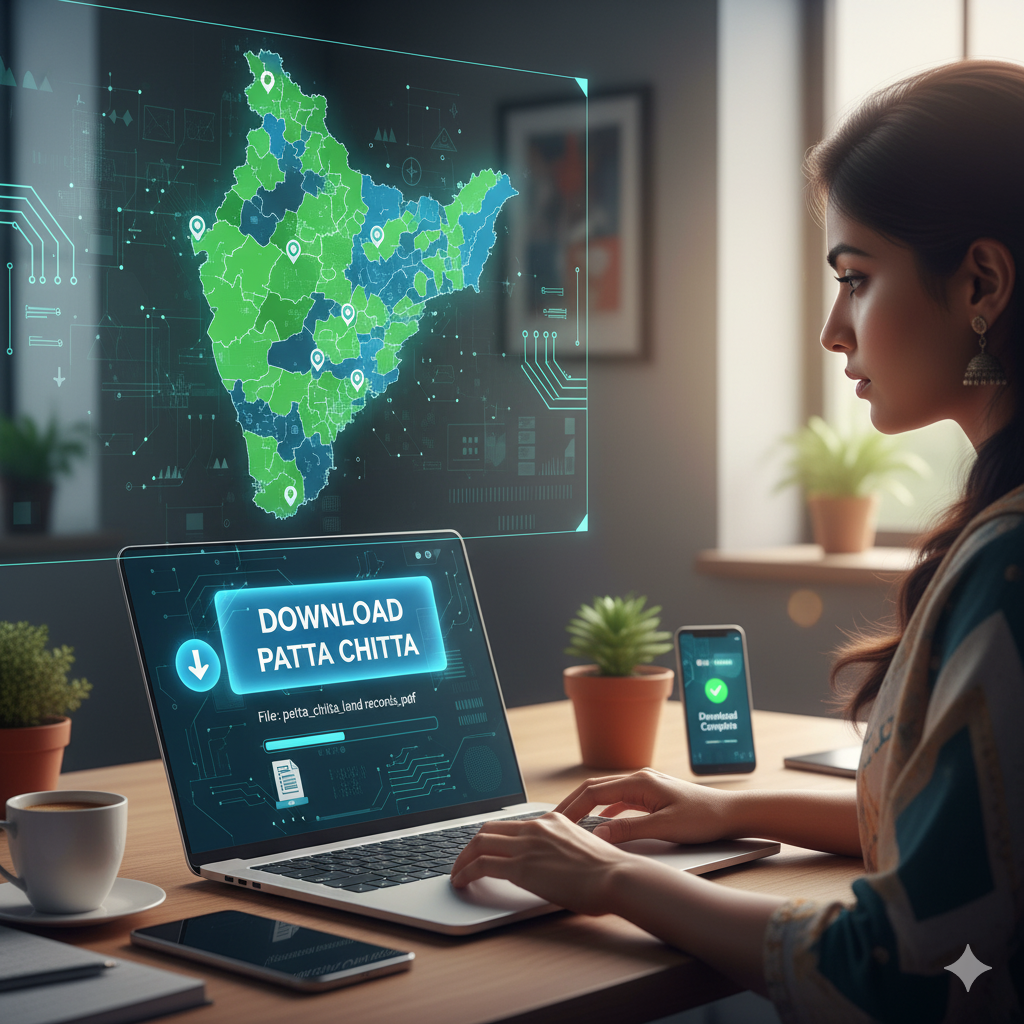
When you search for patta chitta download, you’re looking to grab a digital copy—think PDF or something you can print—of your land record in Tamil Nadu. This record combines patta (your proof of ownership) and chitta (details about the land’s revenue and classification). Back in the day, these were two separate documents, but Tamil Nadu’s modern land record system has merged them into one handy digital file. This file lays out everything: who owns the land, its survey details, type (wet or dry), size, and tax history.
So, patta chitta download just means pulling this unified record from Tamil Nadu’s online e-services portal. You’ll see other guides talk about things like “how to get Patta Chitta online” or “steps to download Patta Chitta.” I’ve woven those ideas into this guide but organized it in a fresh way with extra details to make it clear and useful.
Why Downloading Patta Chitta Matters
Before we dive into the steps, let’s talk about why you’d want to download your Patta Chitta in the first place.
First off, having a downloaded copy gives you a solid, offline record of your land ownership and details. Whether you’re selling, mortgaging, or building on your land, this file is proof you can keep on hand without running to a government office.
Second, downloading lets you spot problems early. When you pull up your Patta Chitta Document and save it, you can double-check things like the survey number, owner name, land size, or classification (wet or dry). If something’s wrong—like a typo or incorrect boundary—you can fix it before it messes up a deal.
Third, banks, financial institutions, or local officials often ask for a printed or certified copy. Having a downloaded Patta Chitta ready makes those processes way smoother.
In short, downloading your Patta Chitta isn’t just about convenience—it’s a smart move to protect your property rights.
What You’ll See in a Patta Chitta Download
When you download your Patta Chitta, you’ll get a file packed with key info about your land. Here’s a breakdown of what’s typically included and why it matters.
Ownership and Title Details
This part shows who legally owns the land. You’ll see:
- Your name (or names, if there are co-owners) and address
- A unique patta number for reference
- The survey number and any sub-division details
- The village, taluk, and district
- The date the record was issued or last updated
This confirms you’re the rightful owner.
Land Classification and Revenue Info
This section covers how the government views your land for taxes and use. It includes:
- Land type (wet, dry, agricultural, or non-agricultural)
- The size of the land (in hectares, square meters, etc.)
- Tax assessments or payment history
- Past changes to the land’s classification
- Any notes about loans or legal claims on the land
This helps you understand how the land is taxed and what it can be used for.
Boundary and Map Details
Your download might include or link to the Field Measurement Book (FMB) sketch—a map showing your land’s boundaries. Sometimes it’s part of the file, or you’ll get a link to view it separately. This map shows where your plot sits compared to neighboring ones, which is super helpful for clarity.
Extra Notes or Updates
You might also see comments, like “name changed on this date” or other updates. These act like a paper trail, showing any past tweaks or legal actions tied to the record.
When you download, take a close look at every detail—names, numbers, classifications—to make sure it’s all correct, especially before big moves like selling or mortgaging.
Step-by-Step Guide to Downloading Patta Chitta
Here’s a clear, easy-to-follow guide to downloading your Patta Chitta using Tamil Nadu’s official portal, inspired by common “how-to” guides but written fresh.
Step 1: Visit the Tamil Nadu e-Services Portal
Open your browser and head to Tamil Nadu’s land records e-services website. This is the main hub for grabbing records like Patta Chitta, FMB sketches, or TSLR extracts.
Step 2: Find “View Patta & FMB/Chitta/TSLR Extract”
On the homepage, look for a section called something like “View Patta & FMB/Chitta/TSLR Extract.” This is your starting point for accessing your land record.
Step 3: Pick Your Area Type
You’ll need to tell the portal whether your land is rural, urban, or “natham” (a semi-urban category). This matters because the forms are different depending on the area. Choose the right one to get the correct setup.
Step 4: Fill in Location and Land Details
Now you’ll enter key info about your land. Select your district, taluk (or town/block), and village (or ward) from dropdown menus. Then add:
- Your patta number (if you have it), or
- The survey number and sub-division (if applicable)
You might also need to type in a captcha or answer a quick verification prompt.
Step 5: Enter Your Mobile Number for OTP
After filling in the details, the portal will ask for your mobile number. Click “Get OTP,” and you’ll receive a one-time password on your phone. Enter it to prove it’s really you making the request.
Step 6: Submit and Download
Once the OTP is verified and your details are correct, the portal will pull up your Patta Chitta Document. You’ll see all the details on-screen—owner, land type, size, etc. From here, you can:
- View it on the screen
- Save it as a PDF
- Print a hard copy
This is the actual patta chitta download moment when you save the file to your device.
Step 7: Check and Save Your File
After downloading, open the file and review all the details for accuracy. Save it in a safe spot—like your computer, cloud storage, or an external drive—so you’ve got it when you need it.
Other guides might mention extra steps like verifying the record later or tracking an application, but for a straightforward download, these steps cover it.
Other Ways to Get Patta Chitta
Some guides talk about mobile apps or local service centers as alternatives. Let’s look at these options and how they compare to downloading directly.
Mobile Apps and Third-Party Tools
There are apps—some official, some not—that claim to make patta chitta download easier. They usually ask for your survey or patta number, send an OTP, and pull the same data as the portal. Be careful, though—stick to apps that clearly connect to the official Tamil Nadu portal to avoid privacy risks. Other guides often list app steps, but the e-services website is still the most secure and reliable way to go.
Common Service Centres (CSCs) and E-Sevai Counters
If you don’t have internet access or prefer in-person help, you can visit a CSC or E-Sevai center. Staff there will use the portal for you, enter your land details, and either print or save your Patta Chitta for a small fee (maybe ₹25–₹60). This is great for folks who aren’t tech-savvy or don’t have a device handy. It’s not a direct download, but it’s a solid assisted option often mentioned in other guides.
Troubleshooting Common Download Issues
Even with a slick digital system, things can go wrong during a patta chitta download. Here’s how to handle the most common hiccups.
Wrong or Missing Survey/Patta Numbers
If you type in the wrong survey number or sub-division, the portal might say “no record found.” To fix this:
- Double-check your survey number from old documents.
- Ask your village revenue officer for the correct details.
- Try using the patta number instead, if you have it.
OTP Problems
If the OTP doesn’t arrive or you enter it wrong, try these:
- Make sure your mobile number is correct.
- Wait a minute and request a new OTP.
- Check your phone’s signal or try a different number if allowed.
Portal Downtime
Sometimes the e-services portal is down for maintenance. If that happens, you’ll just need to wait and try again later.
Missing or Non-Digitized Records
If your land’s record isn’t in the system or hasn’t been digitized yet:
- Visit your local Taluk, VAO, or revenue office in person.
- Ask them to check or digitize your record.
- Bring supporting documents to help them create or find it.
Verification Delays
If the portal flags issues with boundaries or land classification, the revenue department might need to inspect the land before releasing the record. You may need to submit a new boundary sketch or neighbor consent to speed things up.
Tips for a Smooth Patta Chitta Download
To make your download process hassle-free, keep these tips in mind:
- Have your survey number, sub-division, village, and taluk details ready before you start.
- Use a mobile number that’s active and accessible for the OTP.
- Double-check your district, village, and land type (rural or urban) before submitting.
- Use a reliable internet connection and a browser that handles PDFs well.
- Save your downloaded file in multiple places (cloud, hard drive, etc.).
- Compare the download with any physical records to spot errors.
- Keep a list of survey or patta numbers if you own multiple plots.
- If using apps or CSCs, make sure they’re linked to the official portal.
- If you spot a mistake, contact the revenue office right away to fix it.
- Check your downloaded records regularly to ensure they’re still accurate.
Comparing Other Guides to This One
Here’s how typical guides structure their patta chitta download advice compared to my approach:
- Other Guides: “How to obtain Patta Chitta online” → My Section: Step-by-Step Guide to Downloading
- Other Guides: “Documents Required” → My Section: Embedded in Key Elements and Troubleshooting
- Other Guides: “Patta Chitta Download Process” → My Section: Main Walkthrough
- Other Guides: “Verify Patta Chitta Online” → My Section: Troubleshooting and Tips
- Other Guides: “App/Mobile Download” → My Section: Other Ways to Get Patta Chitta
- Other Guides: “CSCs & Offline Download” → My Section: Assisted Routes
- Other Guides: “Common Problems/Errors” → My Section: Troubleshooting
- Other Guides: “Fee/Charges” → My Section: Noted in Assisted Routes
This setup keeps things clear and avoids feeling like a cookie-cutter guide.
Pro Tips and Hidden Details
Here are some extra insights you won’t find in every guide to make your patta chitta download even smoother.
Check the Issue Date
Your downloaded Patta Chitta might show an “issue date” or “valid as of” date. If it’s too old, banks or officials might ask for a newer one. Download a fresh copy before big transactions.
Digital vs. Certified Copies
The online download is usually fine for most uses, but some situations—like court cases—might require a certified, stamped copy from the revenue office. Use your download as a starting point but check if you need official attestation.
Track Changes Over Time
Compare new downloads with older ones you’ve saved. This helps you catch sneaky changes, like reclassifications or boundary tweaks, that might’ve happened without your knowledge.
Using It for Loans or Legal Cases
Banks usually accept a clean, recent Patta Chitta download for loans or mortgages. But in court, like for boundary disputes, you might need a certified copy or original records. Downloads are great for prep but may not cover every legal need.
Multiple Plots, Multiple Downloads
If you own several plots, you’ll need to download a separate Patta Chitta for each survey or patta number. The portal doesn’t let you grab them all at once.
Language Options
The portal often lets you view or download in English or Tamil. If you’re dealing with local officials, a Tamil version might be more widely accepted.
Frequently Asked Questions